Categories
Categories and tags show where your money goes. Both are optional.
The screenshots are live captures of a demo account.
Last updated
Categories and tags are different things#
A category is what something was: groceries, rent, fuel. You file each transaction under one, or split it across several. Categories form a two-level tree, and Budgets and Reports are built on them.
A tag is a label that cuts across categories, written with a hash, like #tax-deductible or #vacation2027. A transaction can carry several. Tags answer questions categories can't, like "what did that trip cost across every category".
The forecast works without either.
The starter pack#
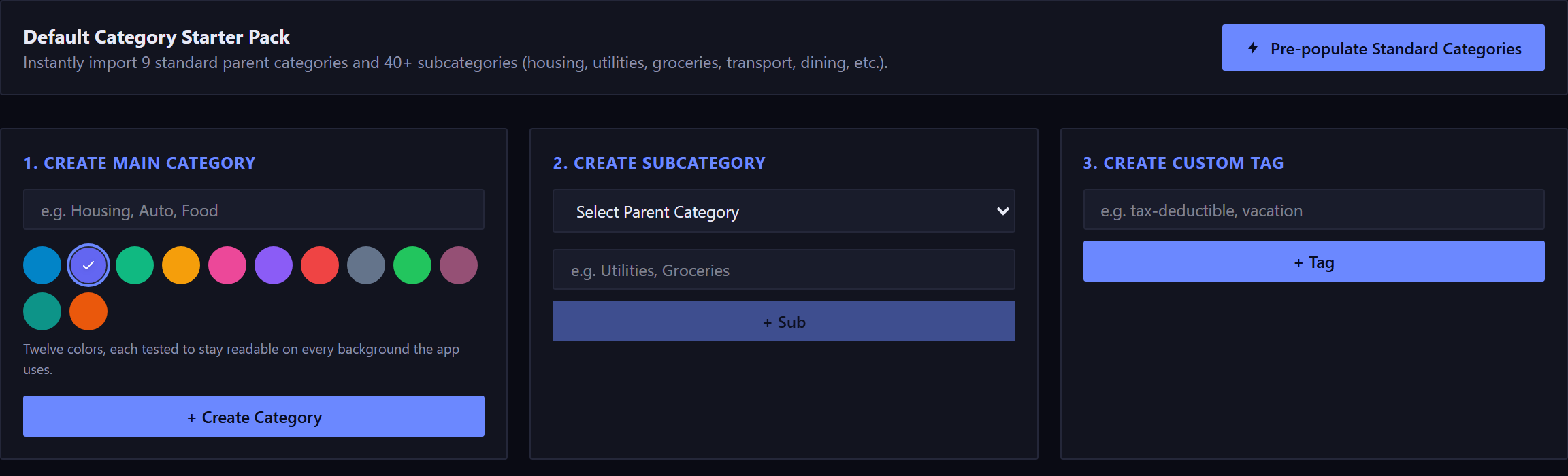
Pre-populate Standard Categories imports nine parent categories and more than 40 subcategories in one go: housing, bills and utilities, food and dining, transport, shopping, entertainment, health, financial, and income.
It's safe to run more than once. It matches on name and skips anything you already have, so you won't get two of everything.
Two levels of categories#
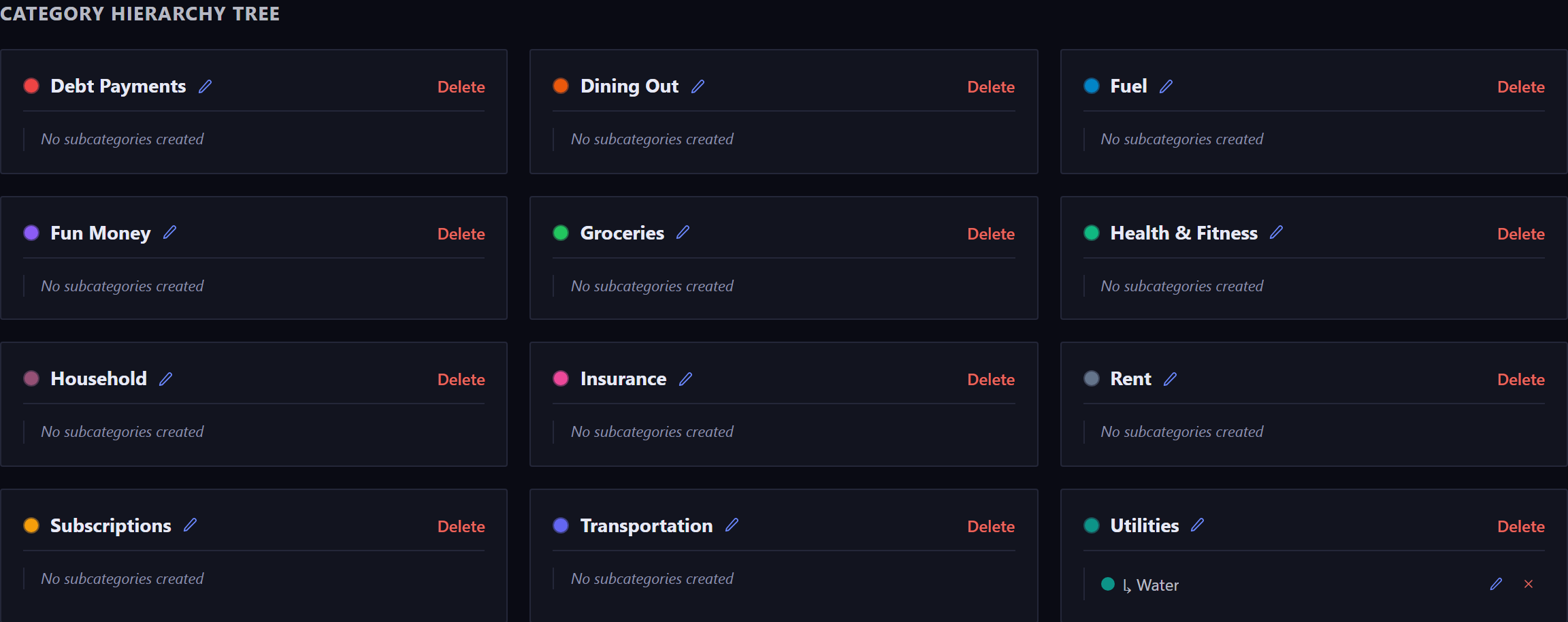
The tree has exactly two levels. A subcategory can't have children of its own.
Filtering by a parent includes all of its subcategories.
Budgets are set per category. On the Budgets page, a group's header adds up every budget inside it, but a budget on the parent category itself counts only what's filed directly under the parent, not under its subcategories. To plan Food and Dining as one figure, budget the categories inside it and read the total on the group's header. A group can also carry a target as a share of income, set from the Budgets page.
The colored dot is a button. It opens a palette of 12 colors, each tested to stay readable on every background the app uses.
What deleting a category removes#
Deleting a category treats your transactions and your budgets differently.
- Your transactions survive
- Anything filed under a deleted category becomes Uncategorized. Nothing is deleted and no amount changes. The same goes for recurring rules.
- Its budgets go
- Any active budget on that category is permanently removed, and the confirmation names how many before you agree.
- Deleting a parent takes its children
- Every subcategory under it goes too, and the confirmation says how many.
If nothing is attached, the confirmation is just the question. It lists consequences only when there are some.
New here? See what Forecast Commander does.