How do I...
Common tasks, each linking to the part of a guide that answers it.
The screenshots are live captures of a demo account.
Last updated
Record money moving#
Change or remove something#
Keep it matching reality#
Plan ahead#
- See what is left before my next paycheck
- Find out when I can afford something
- Test a decision without changing anything
- Compare two options side by side
- See what a purchase does to a goal or a budget
- Save for something without spending it by accident
- Decide what happens to a goal that has finished
- Skip a month's contribution to a goal
- Put in a different amount than the goal schedule says
- Work out whether to pay the highest rate or the smallest balance first
- See what an extra payment on a debt buys me
Budget#
Understand a number#
Look after the account#
- See when my trial ends
- Download a backup before my access goes read-only
- Cancel my subscription
- Update the card on my subscription
- Take a backup
- Get my transactions into a spreadsheet
- Put a backup back
- Turn on email alerts
- Set up two-factor authentication
- Switch between light and dark
- Put the app on my phone's home screen
- Close an account I no longer use
- Clear everything and start again
- Send feedback or report a bug
Send feedback or report a bug#
Every page has a Feedback button in the footer. It opens a small form inside the app: what happened or what would help, and an optional screenshot you choose from your device (PNG, JPEG or WebP, up to 5 MB).
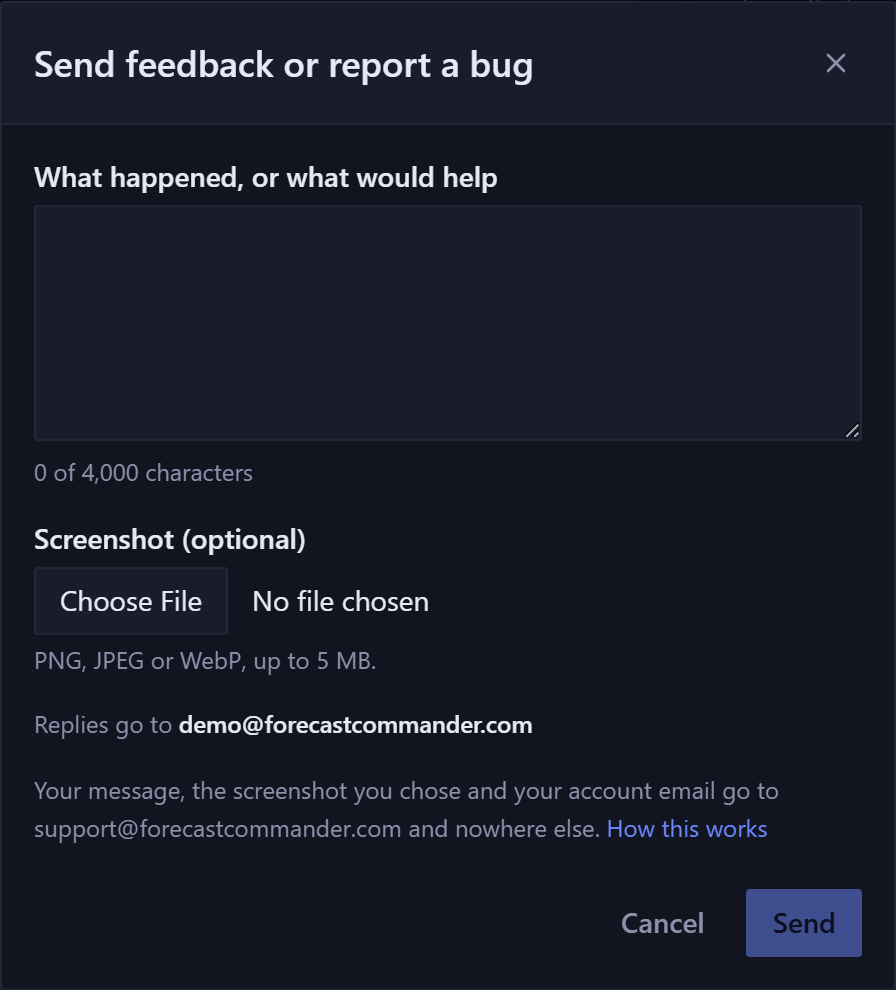
Sending mails it to support@forecastcommander.com with the page you were on, the email on your account and the app version. The screenshot travels with the mail and isn't stored in the app.
You can send a few messages an hour. If you hit the limit, email support@forecastcommander.com directly. That's also how to contact support about anything else: there's no ticket queue, and a person reads it.
New here? See what Forecast Commander does.