Budget periods
A budget period is whatever length matches how your money arrives. Monthly is the default, and everything that describes a period follows the cadence you choose.
The screenshots are live captures of a demo account.
Last updated
Periods that follow your pay#
If you're paid every two weeks, a calendar month holds two paychecks most of the time and three now and then, so a monthly budget is off in a different way every few months. A period that follows your paychecks fits.
Monthly is only the default, and it behaves exactly as you'd expect.
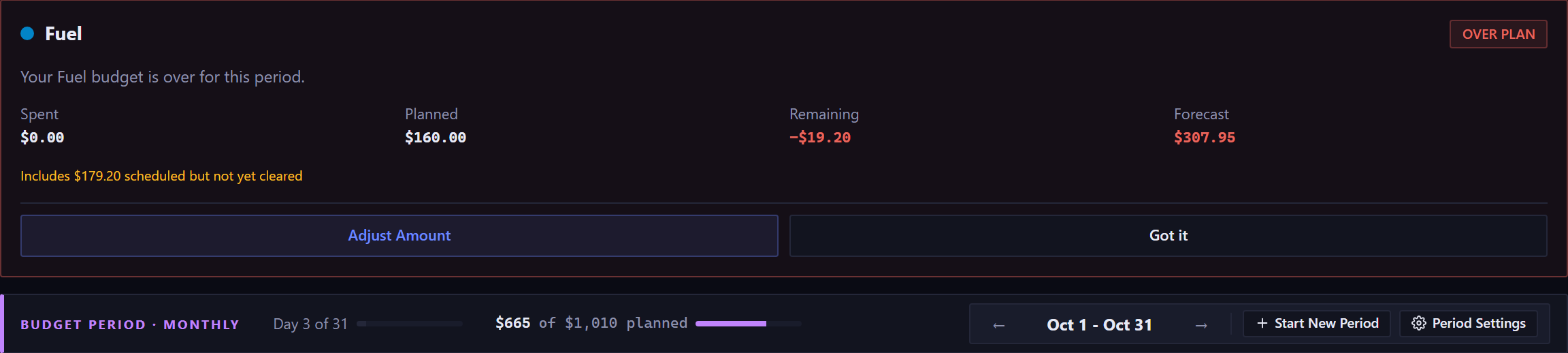
The four cadences#
- Monthly
- One calendar month. The default.
- Semi-Monthly
- Two periods a month, on days you pick, such as the 1st and the 15th. Common if you're paid twice a month on fixed dates.
- Biweekly
- Every 14 days. It crosses month boundaries, the way a real biweekly paycheck does. If you have income rules set up, periods can be aligned to one so each period starts on a payday.
- Custom
- Any interval you like: every N days, weeks, months or years, up to a year.
Changing the cadence#
A change takes effect at the start of the next period, worked out under the cadence you're leaving. The period you're in finishes as it was: August finishes as August. From that boundary on, budgeting, the equation row on the Command Center, and Budget vs. Actual in Reports all follow the new cadence. If you change it again before that boundary arrives, the later change replaces the earlier one, and the confirmation says which change it replaces.
The new cadence's first period can be shorter or longer than usual, so that every period after it starts on schedule. At least half a period stands on its own, and less than that joins the next one. Say you switch to Biweekly on October 1 and your payday is October 8: the first period is October 1 to 7, and periods run every two weeks from October 8. If the payday is October 2, one day is too short, so the first period runs October 1 to 15 and the regular rhythm starts October 16. The confirmation names the first period whenever it isn't an ordinary one.
The app asks you to confirm on a second screen before it makes the change, and says that switching back later adds another boundary. It doesn't undo this one.
Past periods keep their labels. A period that ran as a calendar month still reads "August 2026" after you switch to biweekly, because that's what it was at the time.
The period and the calendar move together#
The Command Center has two navigations, a month and a period, and they're linked so they can't describe different things at once.
The rule depends on the overlap. Stepping the month keeps your browsed period if that period has any day in the new month; otherwise it moves to the period that starts there. Stepping the period leaves the calendar alone while the two still overlap.
Today resets both, from either navigation, and both Today buttons do exactly the same thing.
Starting a period early#
Start New Period ends the current period today and begins the next one. Use it for irregular income: freelance work, commission, anything that arrives when it arrives.
It doesn't change settled history. The new period runs to the next natural end of the cadence, and the days before today become a completed period with their full Planned amounts. If a cadence change is scheduled for the next boundary, it starts today and that boundary is dropped. Its first period follows the same half-period rule from today as it would have from the boundary, and the dialog names that period before you confirm.
The rest of what periods do to budgets is in the Budgets guide, including the rule that budgets can only be changed in the current period.
New here? See what Forecast Commander does.