Rules and occurrences
One rule stands behind many dates. Change the rule and every future date changes with it.
The screenshots are live captures of a demo account.
Last updated
One rule, many dates#
A rule is the description: rent, $1,395, monthly, on the 1st, from checking. An occurrence is one date it puts on the calendar, the 1st of March.
Change the rule and every future occurrence changes at once, up to a year ahead. There's no list of dates to tidy up.
This date, or every date#
Because one rule stands behind many dates, opening one of them asks whether you mean that date or all of them.
- This Instance Only
- The bill was higher this month, or the payment landed a day late. One date changes and the rule stays.
- Entire Series
- The rent has gone up. The rule changes, and so does every future date.
Read the choice before you save: the two do very different things, and only one of them can be undone by hand. More on the form.
The start date is an anchor#
For a monthly rule, the day you start on is the day it falls on every month.
In a short month it falls on the month's last day. A rule that starts on the 31st falls on the 30th in September and the 28th in February, then goes back to the 31st. It never drifts later and never skips a month.
So to change the amount, edit the rule. To change the day it falls on, change its start date.
Weekend shift#
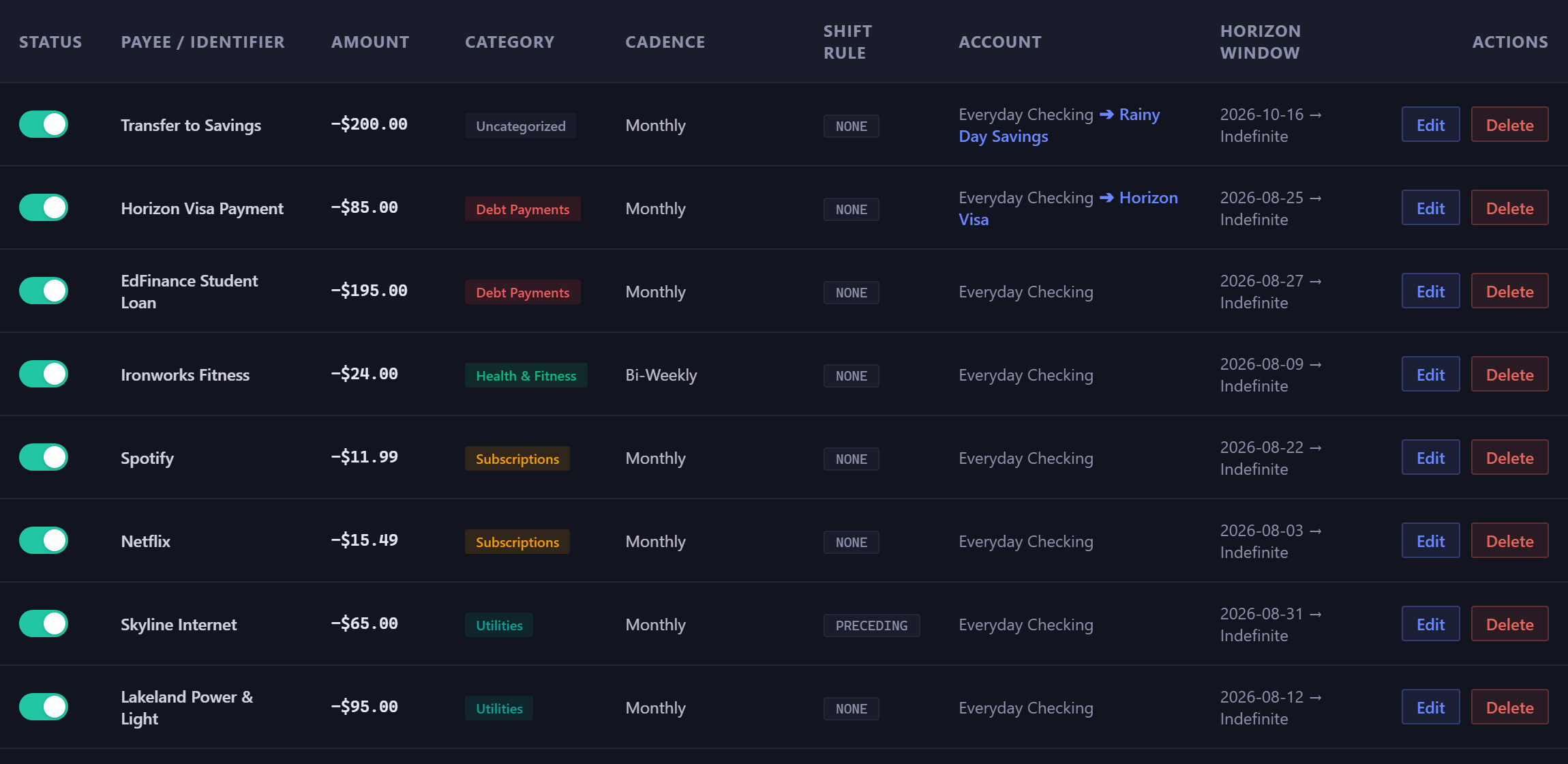
Payments don't land on Saturdays. Each rule says what happens when a due date does.
- None
- It stays exactly where it falls.
- Preceding
- It moves back to the Friday. Most direct debits work this way.
- Following
- It moves on to the Monday.
Match the setting to how the payment really behaves, and the forecast gets the day right. That matters most when the low point falls in the same week.
Pausing stops the dates#
Pausing a rule stops its dates everywhere at once: they leave the calendar, the ledger and the forecast, and the low point moves to match. The rule keeps its amount and cadence, ready to resume.
Deleting removes the rule and any of its scheduled items that haven't cleared. Everything that already happened stays, no longer linked to a rule, so your history has no gaps.
The rest is in the Recurring guide.
New here? See what Forecast Commander does.